
Learn
One lesson flow, held in place
Watch the prerecorded lesson, review the slides at your pace, leave and return without losing your place, then complete the recall and assignment.
Student experience
The portal was built so a student can always answer three questions: Where am I? What do I do next? What have I completed?
Watch the prerecorded lesson, review the slides at your pace, leave and return without losing your place, then complete the recall and assignment.

Write your own answer, run it where you wrote it, read useful error messages, explore database objects, and keep changes inside your saved lab.
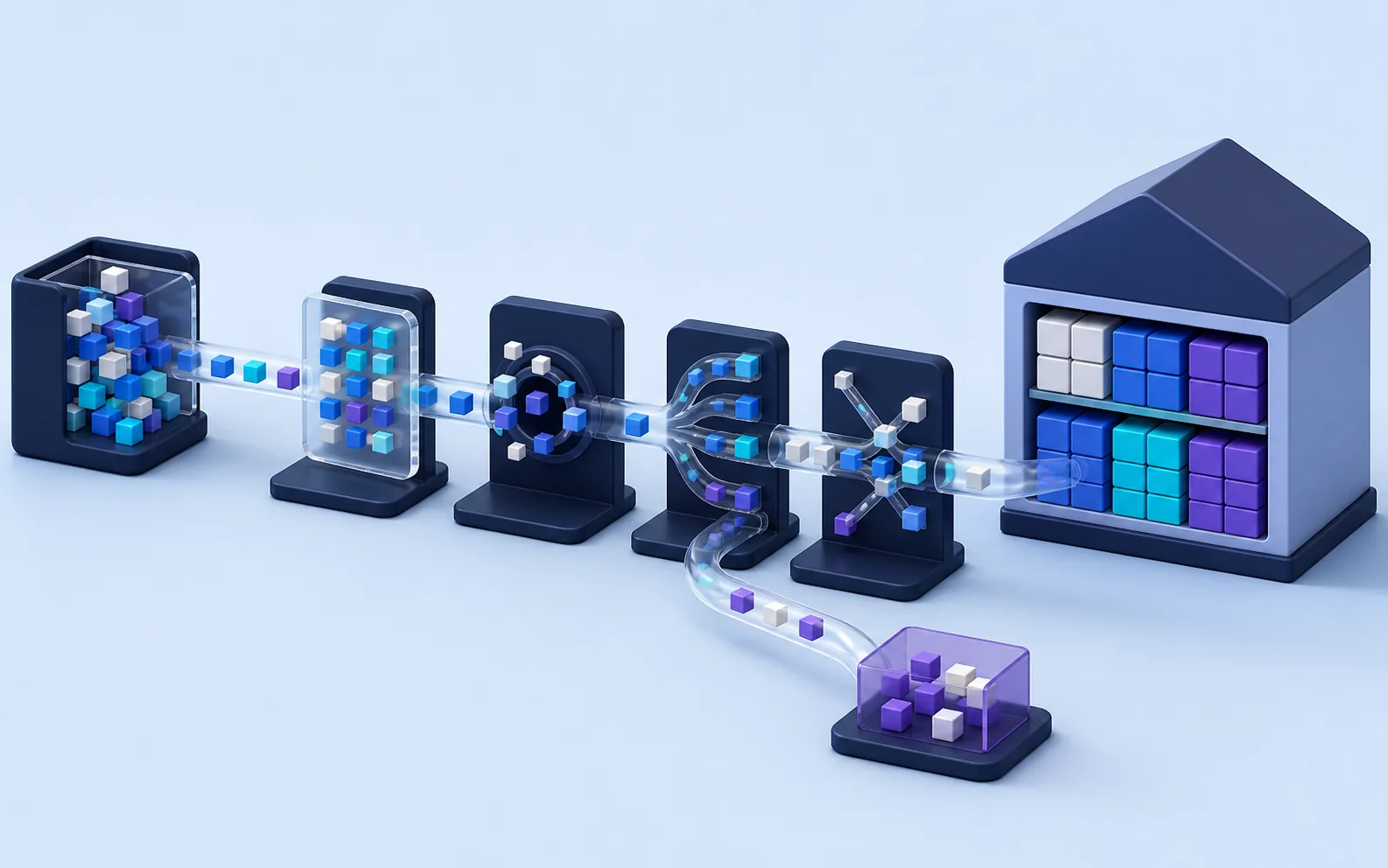
Choose the ETL tools, drag them into the workspace, connect the flow, configure transformations, run the project, and inspect the output.

Use the transformed model to create and arrange visuals, preview filters, and make a useful business case with the final report.
Designed for momentum